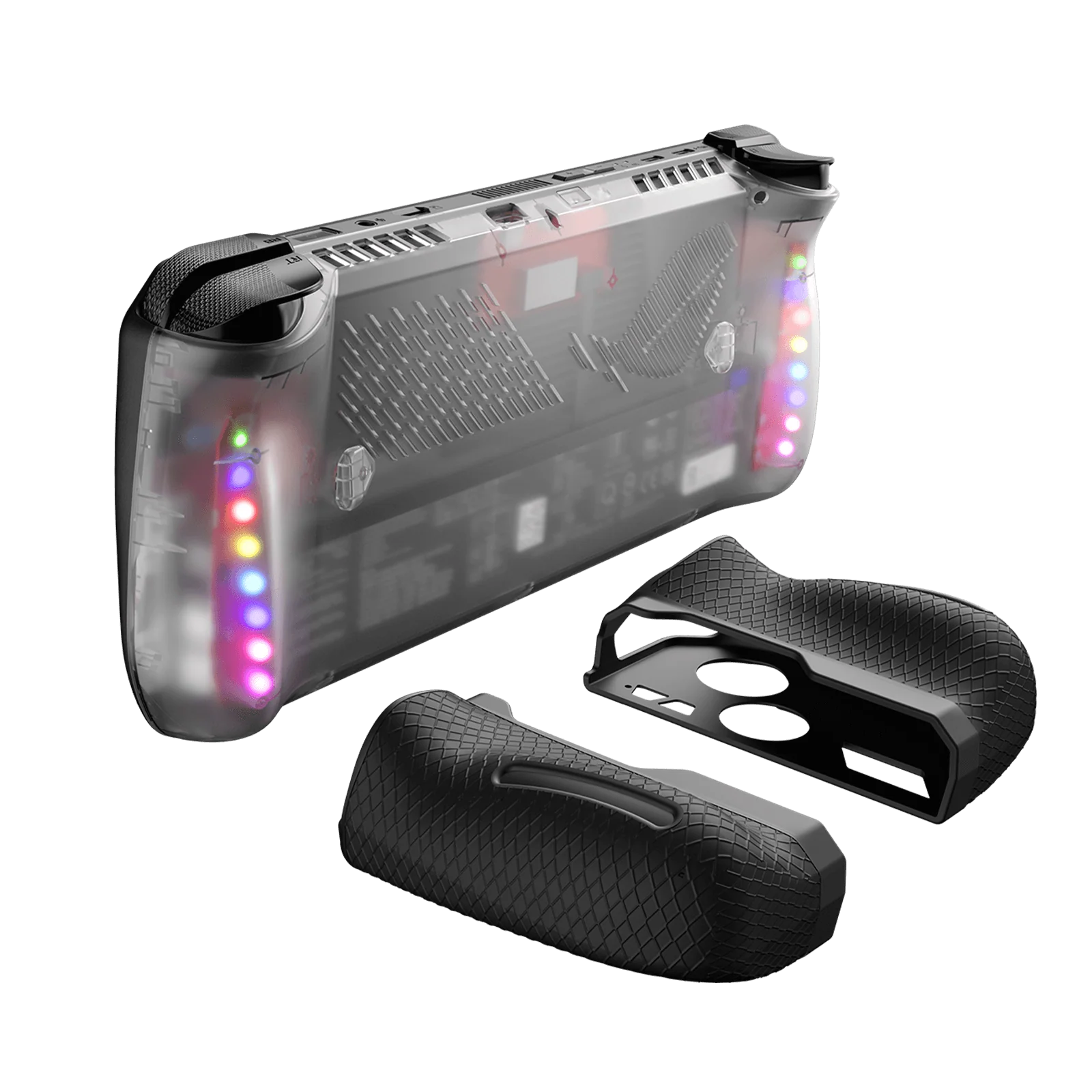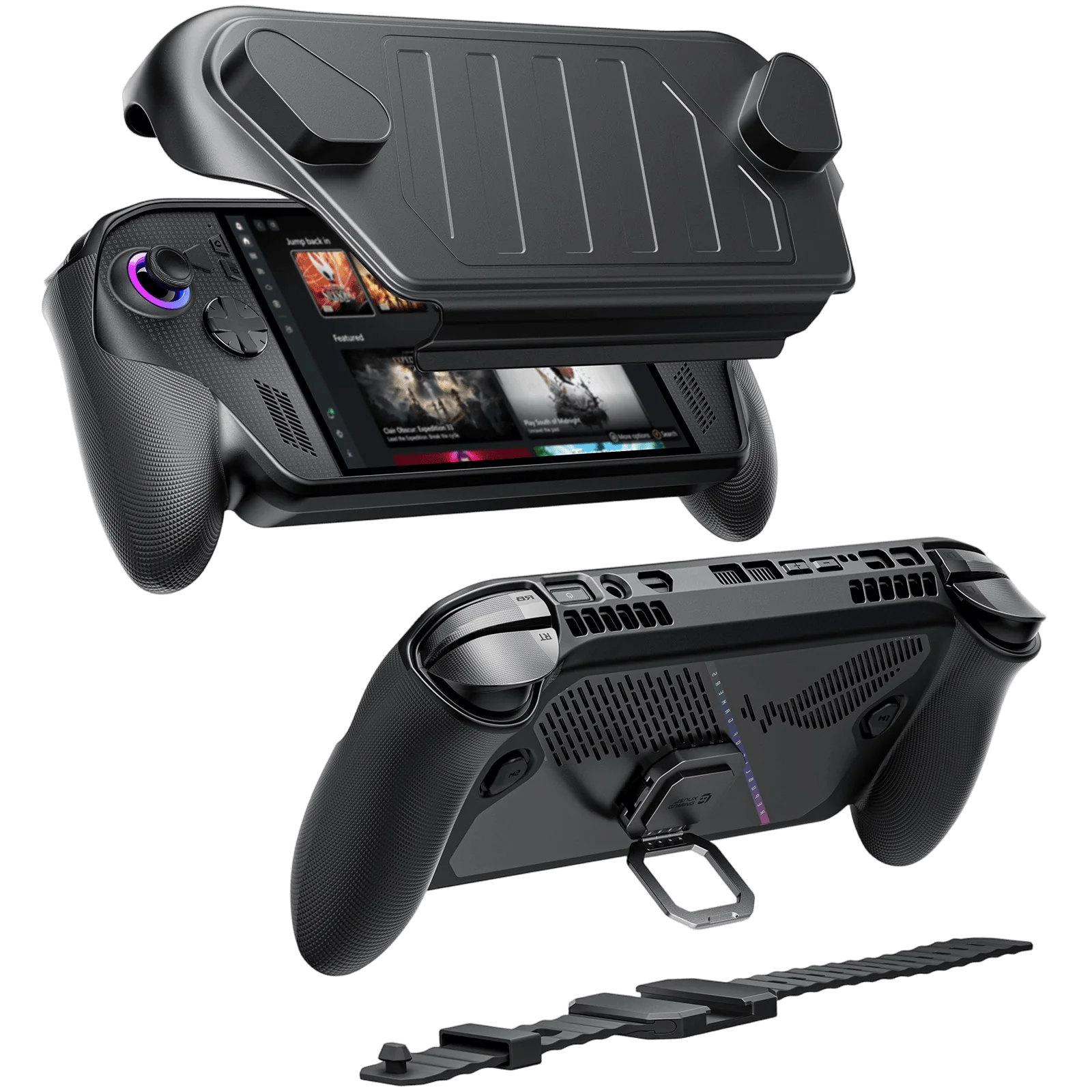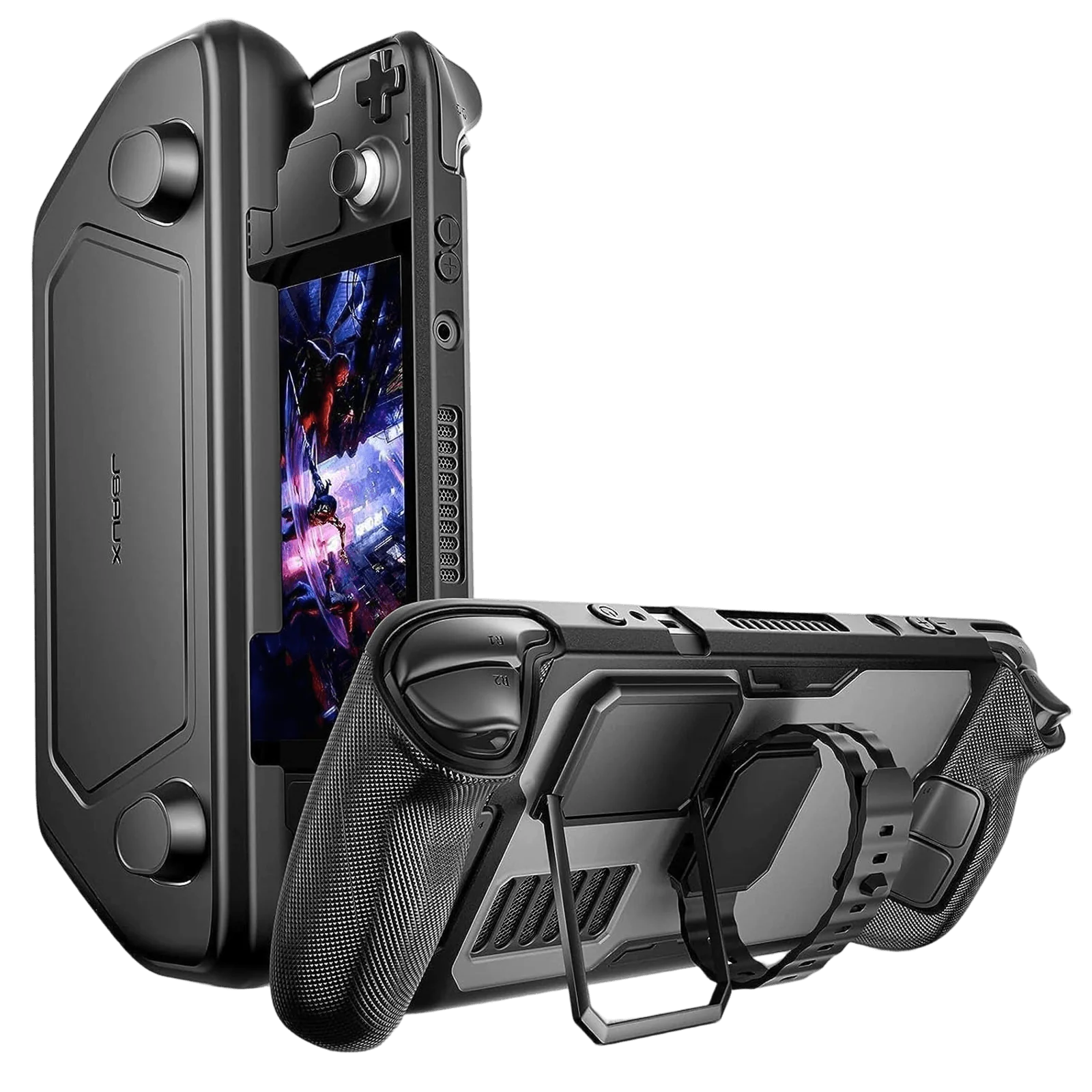
- 【Modular Protective Case for Steam Deck LCD & OLED】All-in-one modular case designed for Steam Deck LCD and OLED, combining a protective back shell, front cover, and detachable stand for flexible handheld protection and travel use.
- 【Detachable Front Cover for Travel Protection】Includes a snap-on front cover that protects the screen and joysticks when not in use, making it ideal for storage, backpack carry, and daily travel.
- 【Durable Shock-Absorbing Material Build】Constructed with PC-ABS and TPU materials, the case helps protect against scratches, drops, and impact damage while maintaining a secure and comfortable grip.
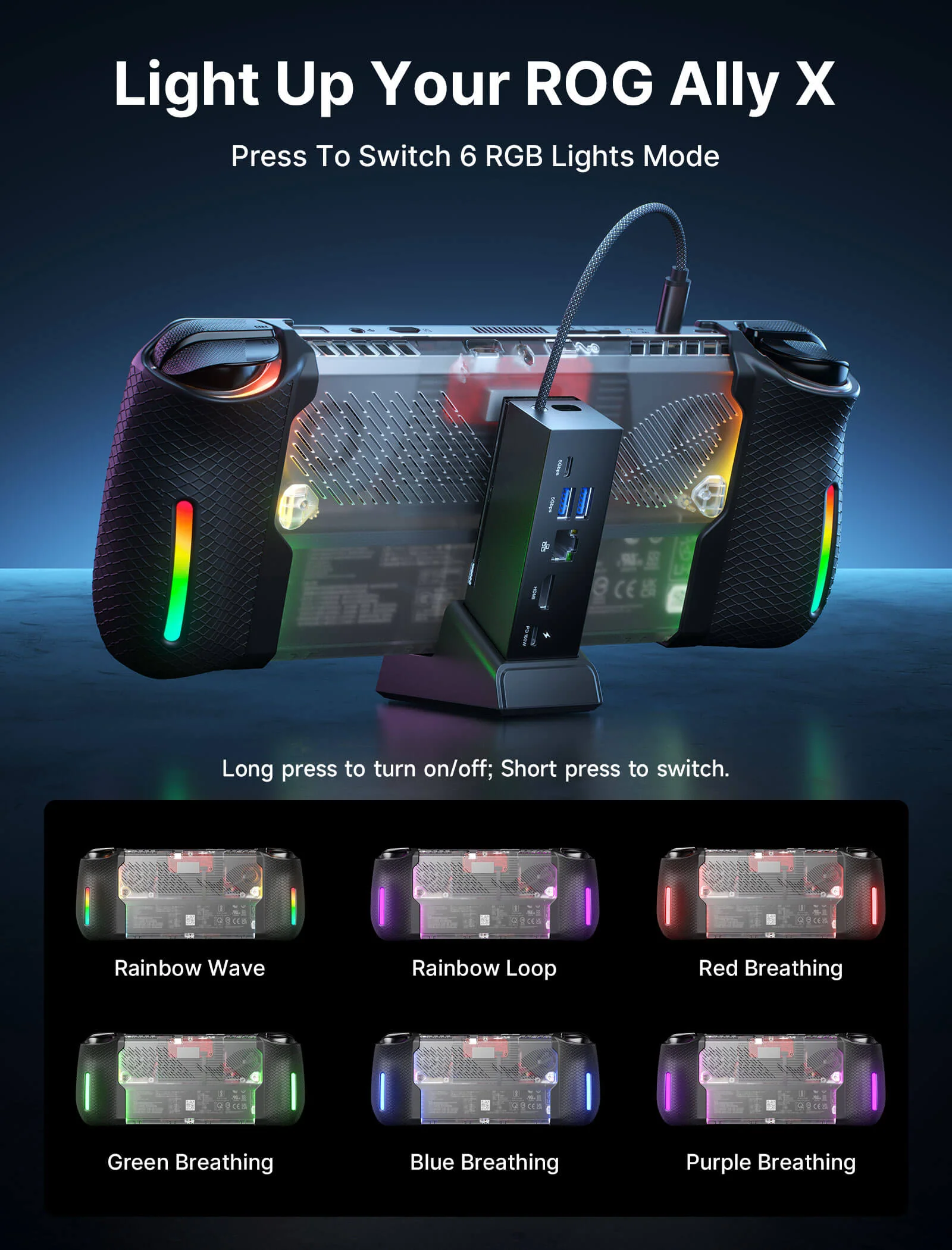
- 【Expandable Modular System for Accessories】Built-in rear expansion rail allows attachment of compatible accessories such as cooling fans and modular add-ons, enabling a customizable handheld setup.
- 【Precision Fit with Full Port Access】Engineered with accurate cutouts to ensure full access to buttons, vents, triggers, and ports without removing the case during gameplay.
Compatible with:
- Cooling fan GP0200: By increasing the airflow coming from the device vents, this small cooling fan reduces the temperature of your Steam Deck up to 18ºC. Also, it doesn’t create negative pressure. It’s sold both along with the ModCase and separately.
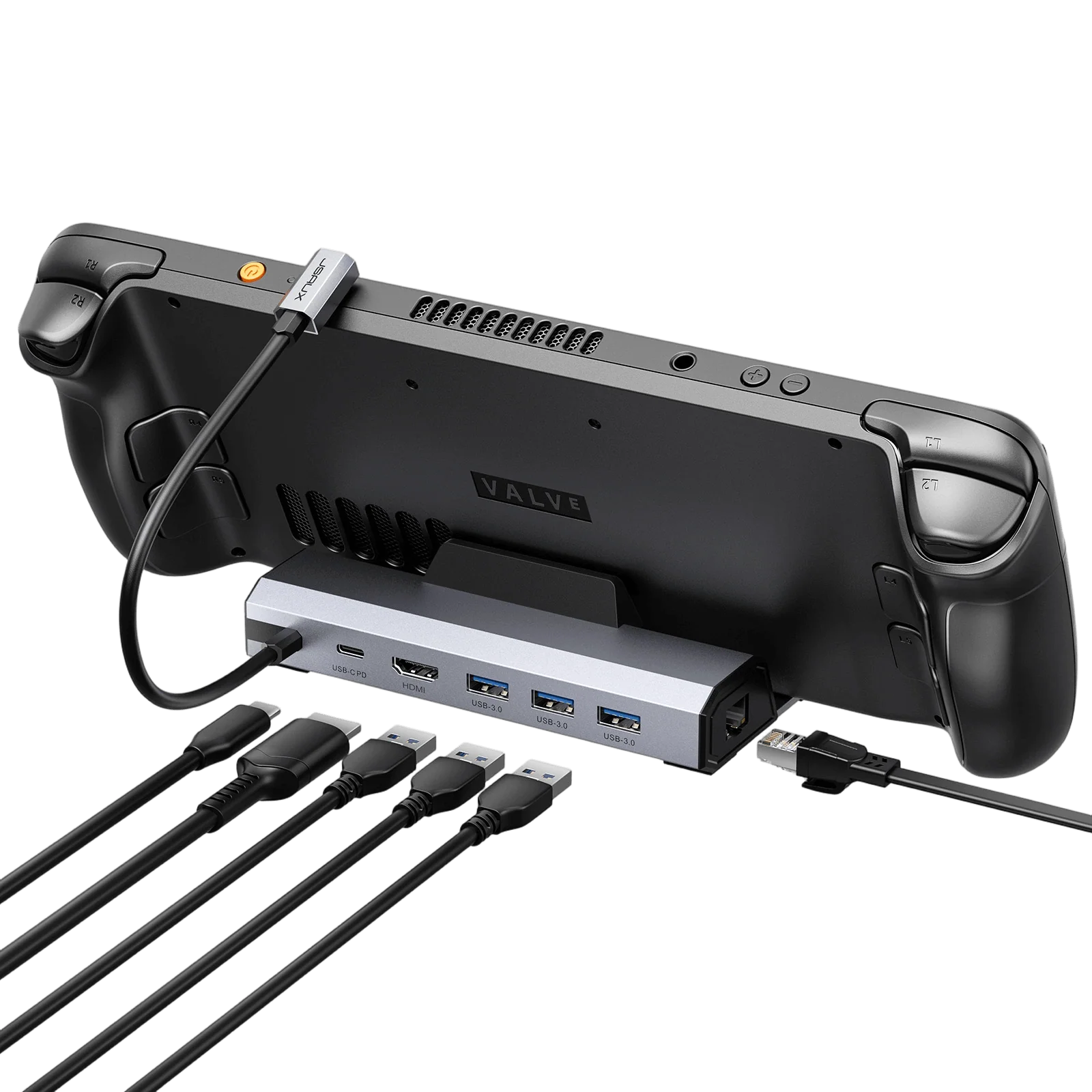
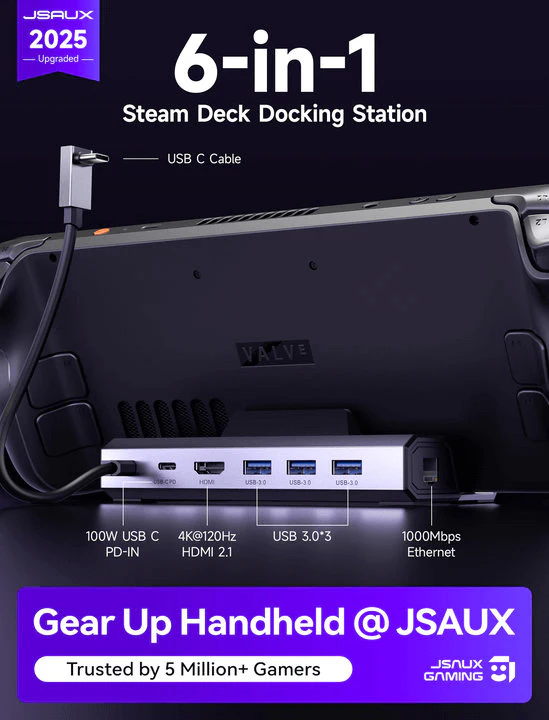
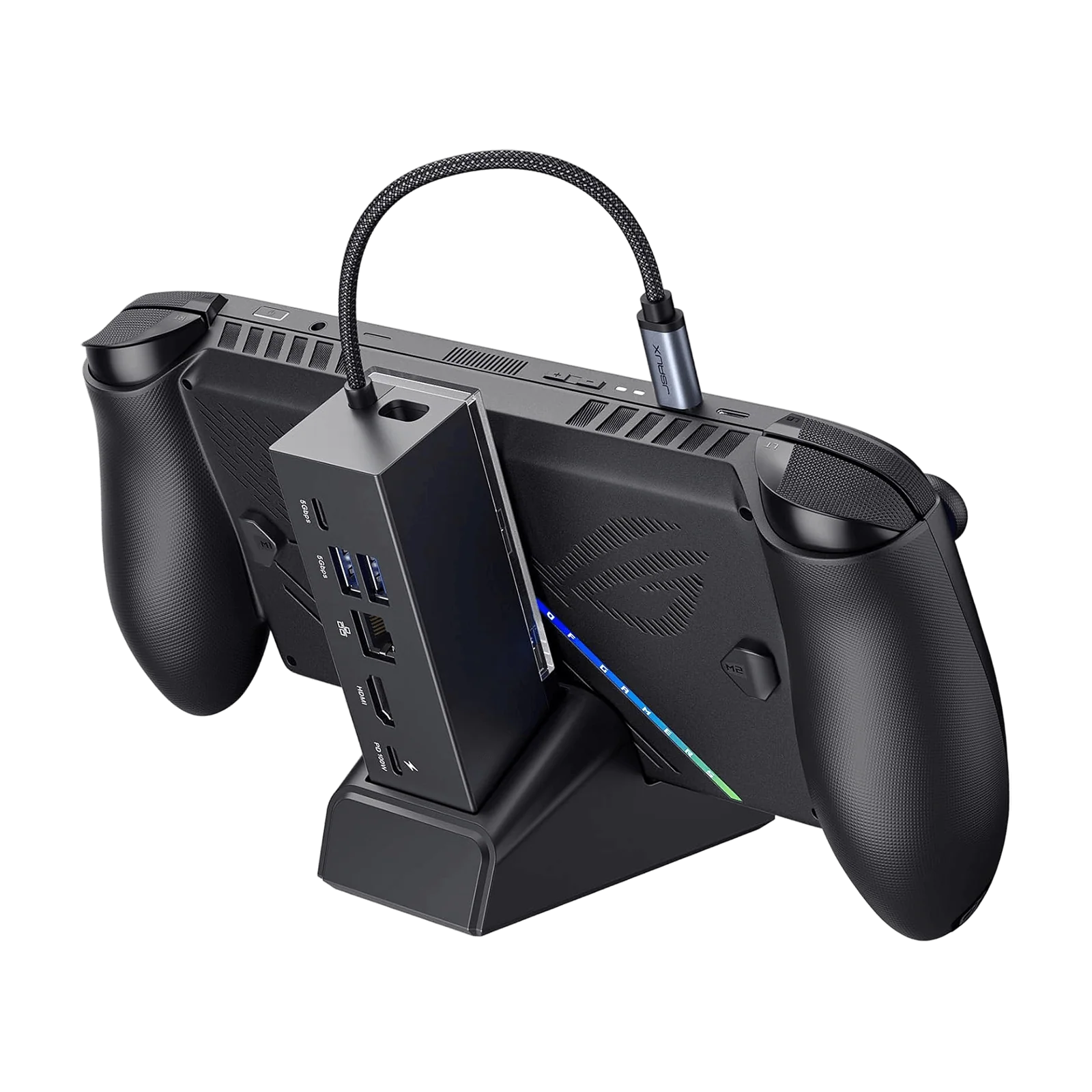
- 11-in-1 Docking Station HB1101: 4K@120Hz, HDMI 2.1 + DisplayPort 1.4, SD/TF card slots and 100W power supply when charging. It’s not only the most powerful hub for Steam Deck but also a great ally to optimize the use of all ports on a PC.
- M.2 SSD card enclosure HB0100: Protect your M.2 SSD card from dust and bumps with a proper pen. Available for 2230, 2242, 2260, and 2280 memory models.
- Power bank PB6504: 65W High-Speed Charging,20000mAh Large Capacity, Intelligent Display. (Note: Some countries and regions are not available for sale, please check FAQs for available countries and regions)
- Adhesive sheet for Protective case: Securely attach your favorite third-party accessories to the groove on the back of your Protective Case with adhesive film. (Note: It must be used with the Protective Case of PC0104)
📢Notes:
- When the cooling fan runs out of power and is connected to the cable for charging, it will turn on the lowest wind speed by default and can't be adjusted. If you need to turn on the highest wind speed, you must turn off it first and then turn it on.
- For the Hub Kits, The included USB-C cable may vary from the one shown in the picture, but it won't affect its normal functionality.