🚚 Free Worldwide Shipping on All Orders!Shop Now

1 / 26
+21
OmniCase 2 Series Docking Station
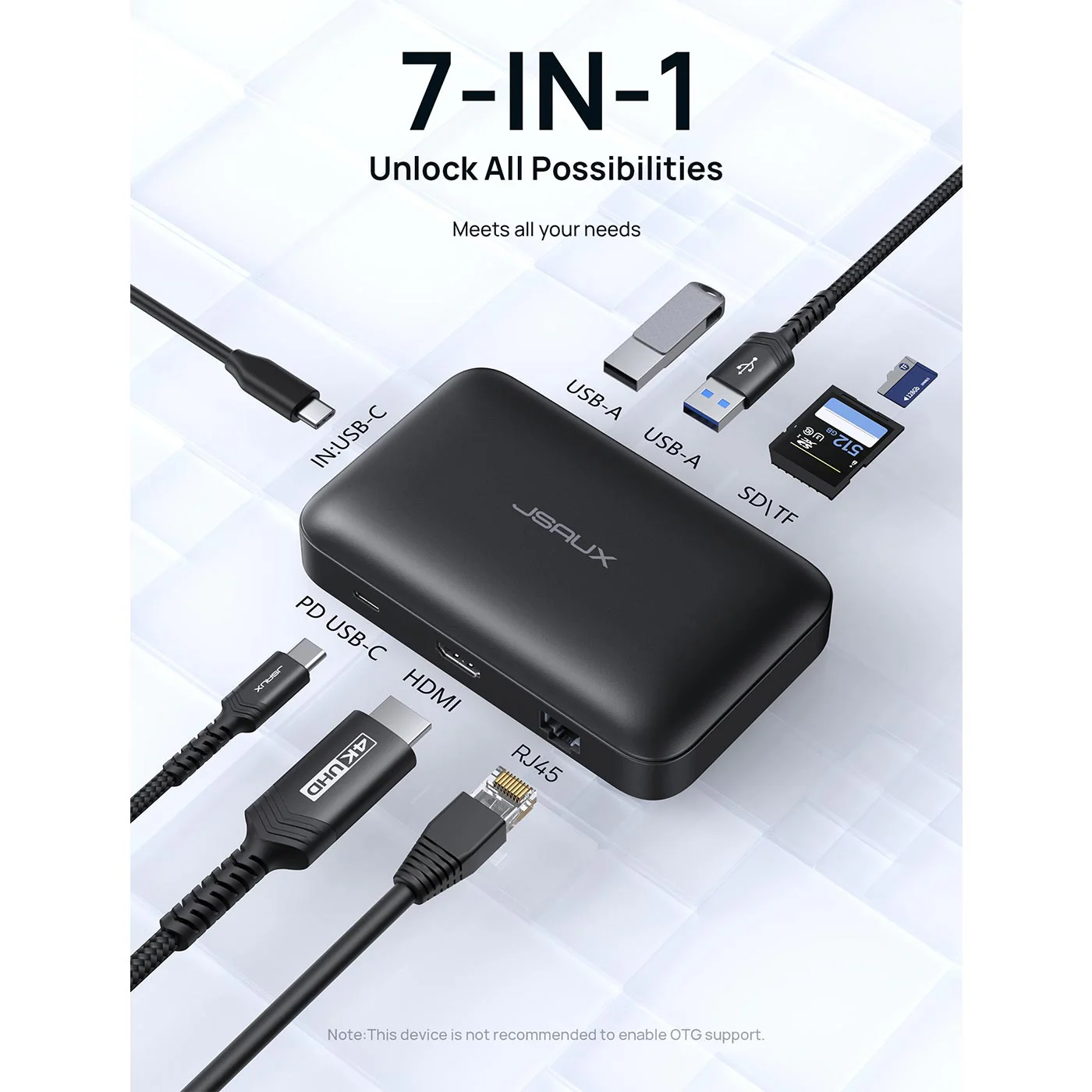
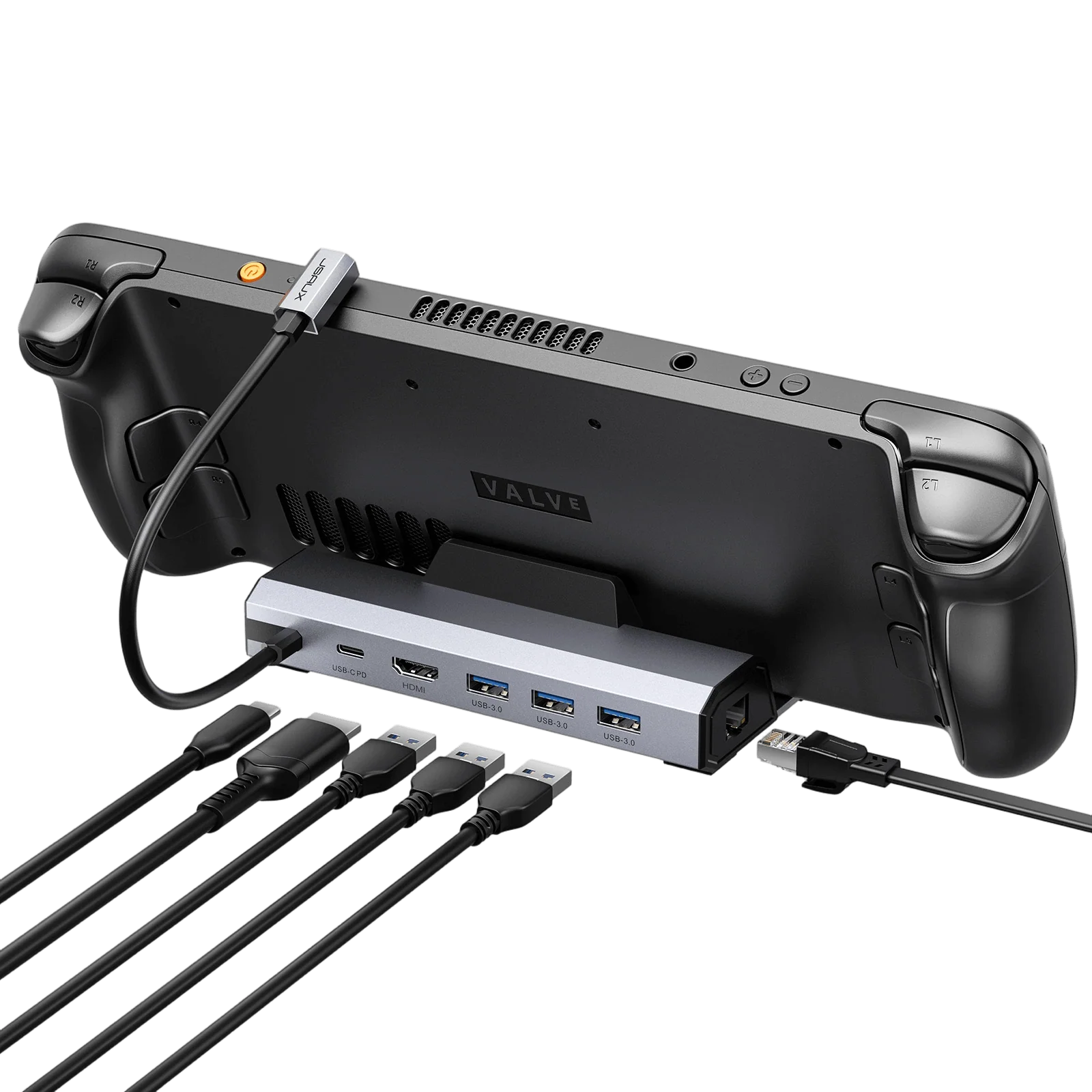
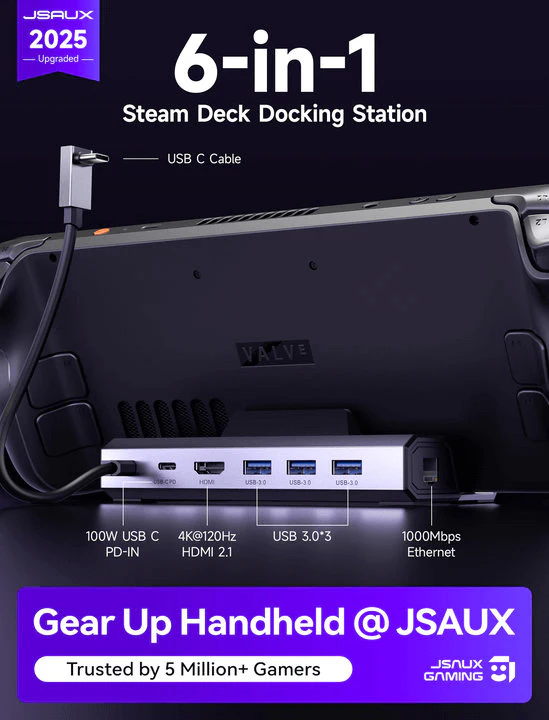
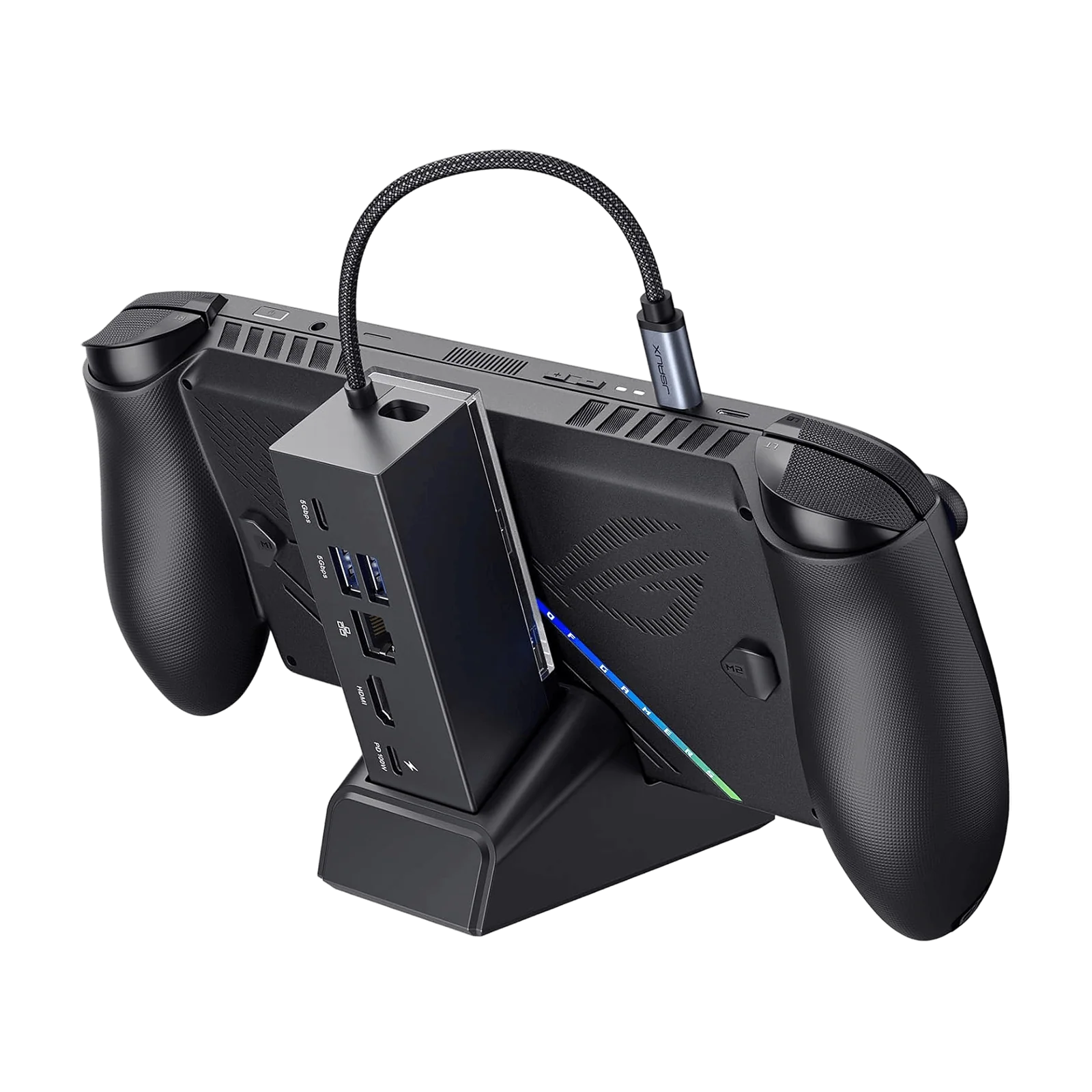
- 【12-in-1 Docking Station with Storage Hub Design】All-in-one docking station with 12 essential ports including 4K@60Hz HDMI, DisplayPort, Ethernet, USB-C PD, USB-A, SD/TF card slots and audio jack for complete workstation connectivity.
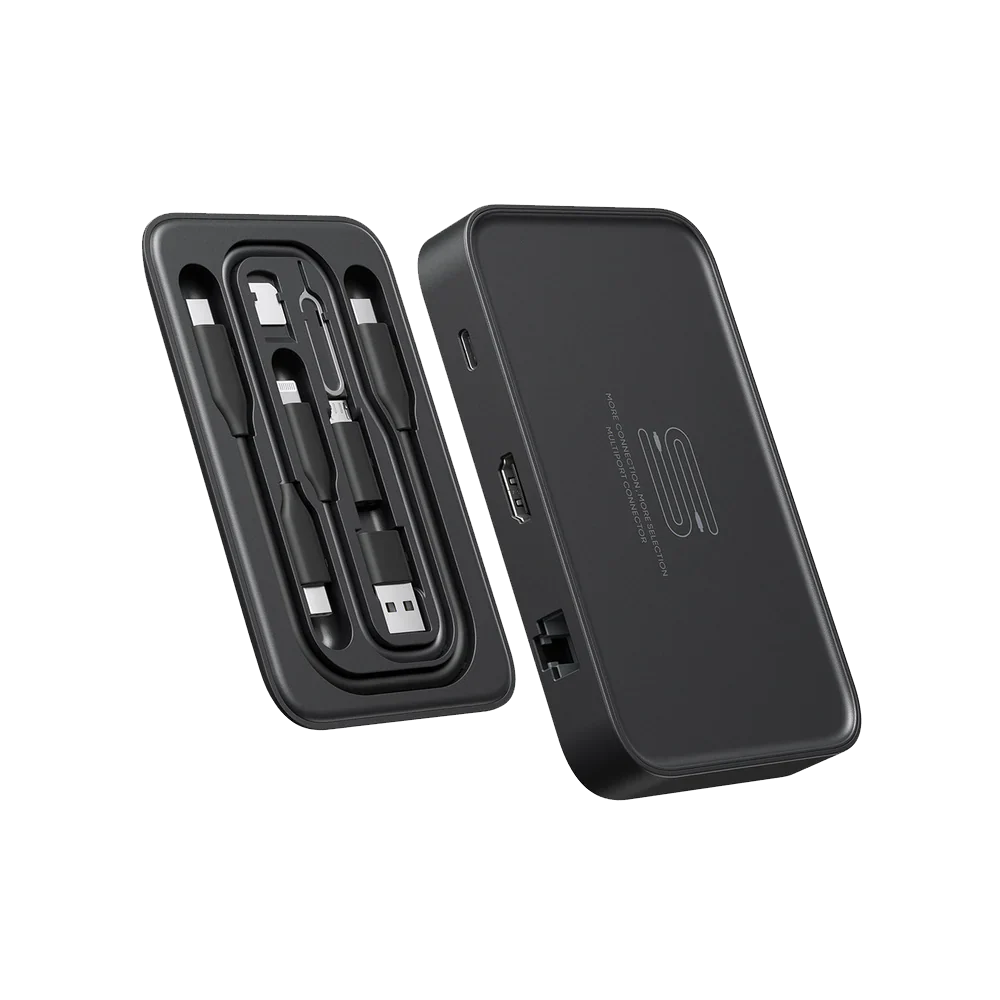
- 【Built-in Electronic Storage System】Integrated accessory storage with included USB-C cables and adapters keeps your setup organized and portable for travel, office, or gaming environments.
- 【Magnetic One-Piece Docking Design】Innovative magnetic alignment system ensures stable connection between dock and device for quick setup and easy portability.
- 【Triple Display 4K@60Hz Output Support】Supports dual HDMI and DisplayPort output for up to 3-screen setups on Windows and dual-display mirror mode on macOS with 4K UHD clarity.
- 【100W PD Fast Charging & High-Speed Transfer】Supports up to 100W USB-C power delivery and 5Gbps data transfer for fast charging and efficient file handling across multiple devices.
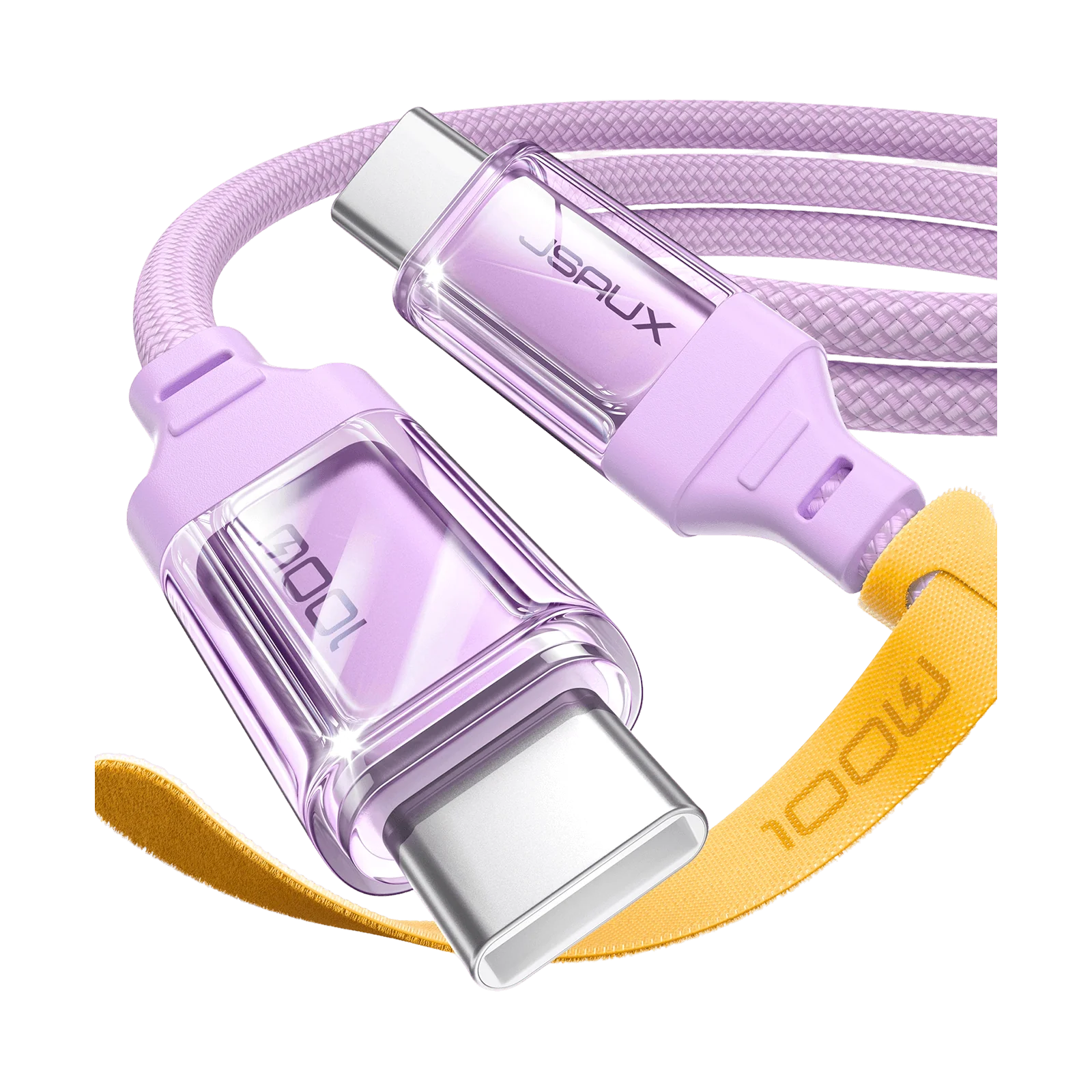
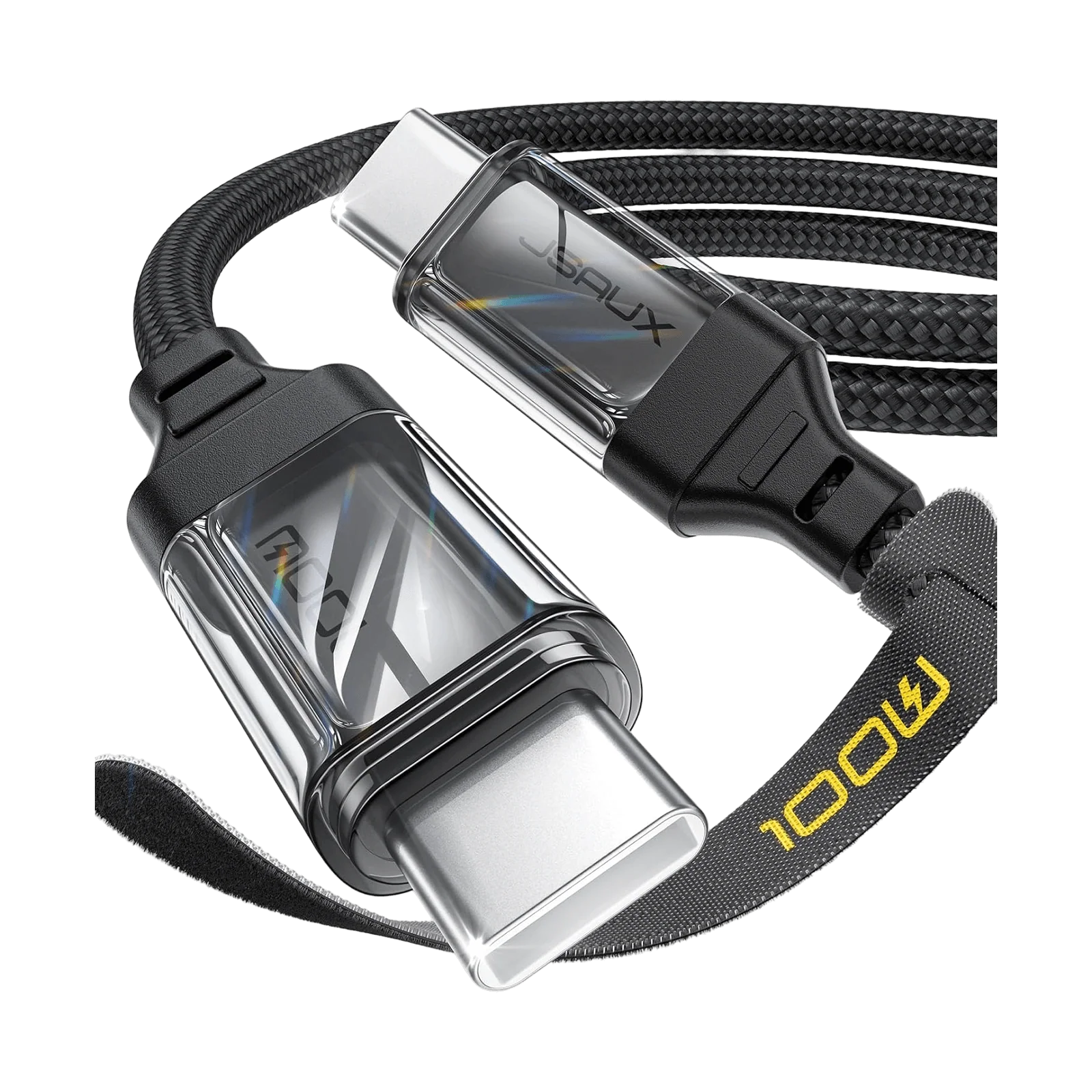
- NOTE:📢If you encounter any operational issues with your docking station, please ensure that your USB-C cable is correctly connected to the designated 'IN-USB-C' port. We highly recommend using the provided USB-C cable to establish a connection with your device to ensure optimal functionality. If you choose to use an alternative USB-C cable, please ensure that it adheres to the USB-C 3.2 standard.
- 【12-in-1 Docking Station with Storage Hub Design】All-in-one docking station with 12 essential ports including 4K@60Hz HDMI, DisplayPort, Ethernet, USB-C PD, USB-A, SD/TF card slots and audio jack for complete workstation connectivity.
- 【Built-in Electronic Storage System】Integrated accessory storage with included USB-C cables and adapters keeps your setup organized and portable for travel, office, or gaming environments.
- 【Magnetic One-Piece Docking Design】Innovative magnetic alignment system ensures stable connection between dock and device for quick setup and easy portability.
- 【Triple Display 4K@60Hz Output Support】Supports dual HDMI and DisplayPort output for up to 3-screen setups on Windows and dual-display mirror mode on macOS with 4K UHD clarity.
- 【100W PD Fast Charging & High-Speed Transfer】Supports up to 100W USB-C power delivery and 5Gbps data transfer for fast charging and efficient file handling across multiple devices.
- NOTE:📢If you encounter any operational issues with your docking station, please ensure that your USB-C cable is correctly connected to the designated 'IN-USB-C' port. We highly recommend using the provided USB-C cable to establish a connection with your device to ensure optimal functionality. If you choose to use an alternative USB-C cable, please ensure that it adheres to the USB-C 3.2 standard.
Select Style
From $4.55
Original: $12.99
-65%OmniCase 2 Series Docking Station—
$12.99
$4.55Description
- 【12-in-1 Docking Station with Storage Hub Design】All-in-one docking station with 12 essential ports including 4K@60Hz HDMI, DisplayPort, Ethernet, USB-C PD, USB-A, SD/TF card slots and audio jack for complete workstation connectivity.
- 【Built-in Electronic Storage System】Integrated accessory storage with included USB-C cables and adapters keeps your setup organized and portable for travel, office, or gaming environments.
- 【Magnetic One-Piece Docking Design】Innovative magnetic alignment system ensures stable connection between dock and device for quick setup and easy portability.
- 【Triple Display 4K@60Hz Output Support】Supports dual HDMI and DisplayPort output for up to 3-screen setups on Windows and dual-display mirror mode on macOS with 4K UHD clarity.
- 【100W PD Fast Charging & High-Speed Transfer】Supports up to 100W USB-C power delivery and 5Gbps data transfer for fast charging and efficient file handling across multiple devices.
- NOTE:📢If you encounter any operational issues with your docking station, please ensure that your USB-C cable is correctly connected to the designated 'IN-USB-C' port. We highly recommend using the provided USB-C cable to establish a connection with your device to ensure optimal functionality. If you choose to use an alternative USB-C cable, please ensure that it adheres to the USB-C 3.2 standard.